Buy · €29.99
V1In active development · new features ship regularly

RkTools V1

Turn a messy folder of images into a clean LoRA dataset, on your own PC. Sort by style, remove watermarks, text and social media UI, write captions with AI and rename everything, in one app.

  • Runs 100 % offline, images never leave your PC
  • Windows 10 / 11
  • One-time payment
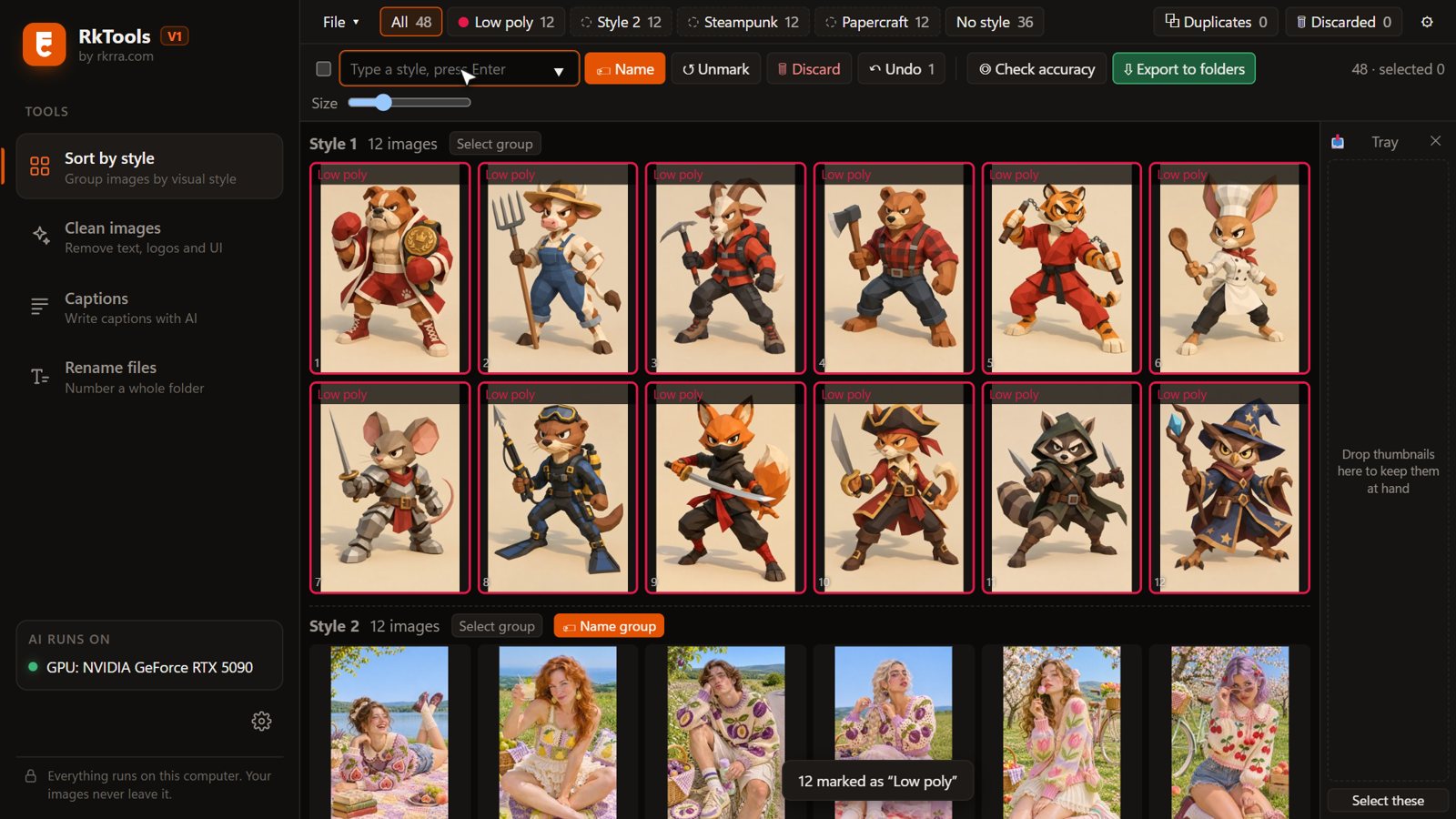
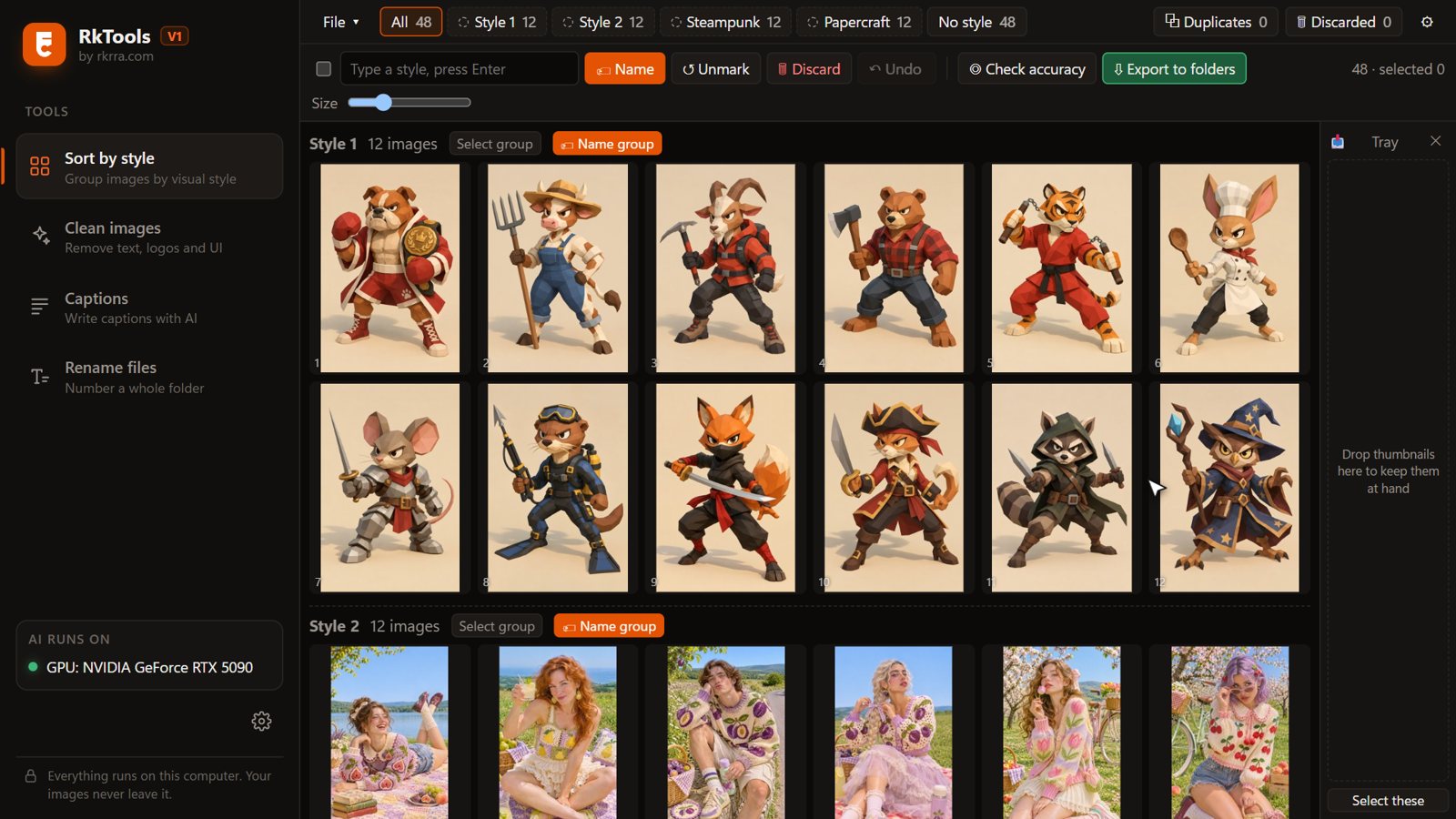
RkTools V1 grouping images into styles
Clean images

Before and after, one click.

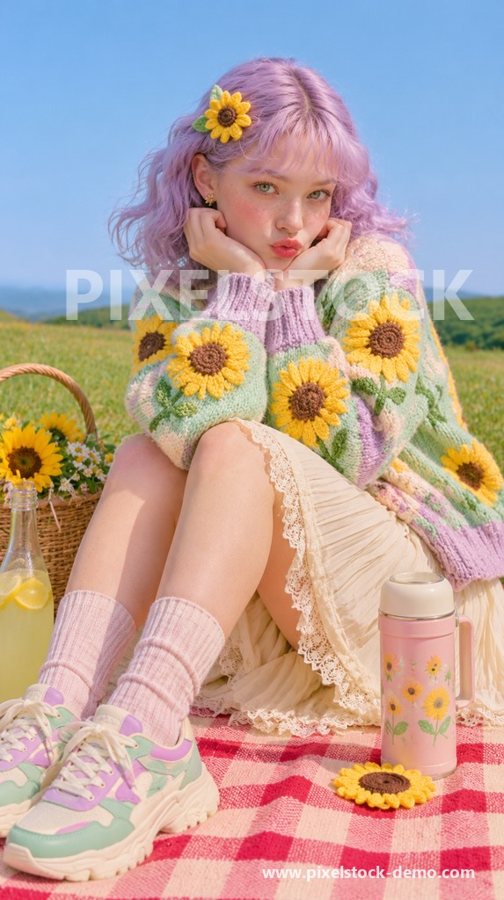
Watermarks, logos, captions, social media buttons, emojis and QR codes are found and painted out, and black bars are cropped off, so your LoRA doesn't learn them.

AfterBeforeBeforeAfter
WatermarksStock logos and tiled marks
AfterBeforeBeforeAfter
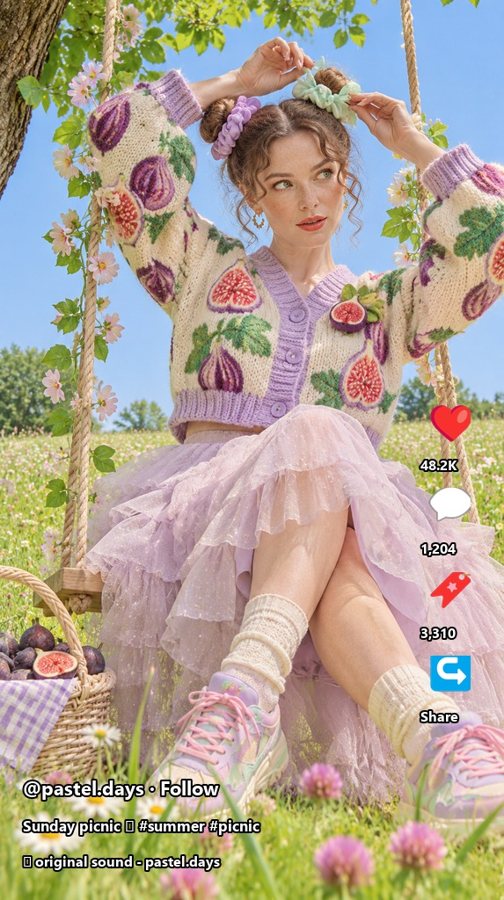
Social media UILikes, buttons and usernames
AfterBeforeBeforeAfter
Overlaid textCaptions and titles on the image
AfterBeforeBeforeAfter
Emojis and stickersAdded on top of the photo
AfterBeforeBeforeAfter
LogosChannel and brand logos in the corners
AfterBeforeBeforeAfter
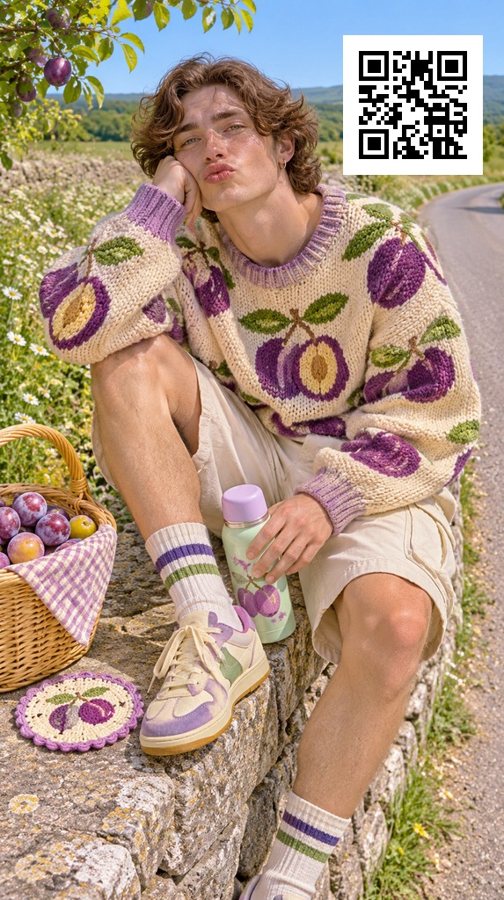
QR codesAnd barcodes
Four tools, one app

Everything between “downloaded” and “ready to train”.

01

Sort by style

Drop in thousands of mixed images and get them grouped by visual style: photos, anime, 3D, painting, papercraft… Name the groups, fix the odd one out and export each style to its own folder.

  • Groups by look, not by subject
  • Finds duplicates and near-duplicates
  • Exports one folder per style
Sort by style
02

Clean images

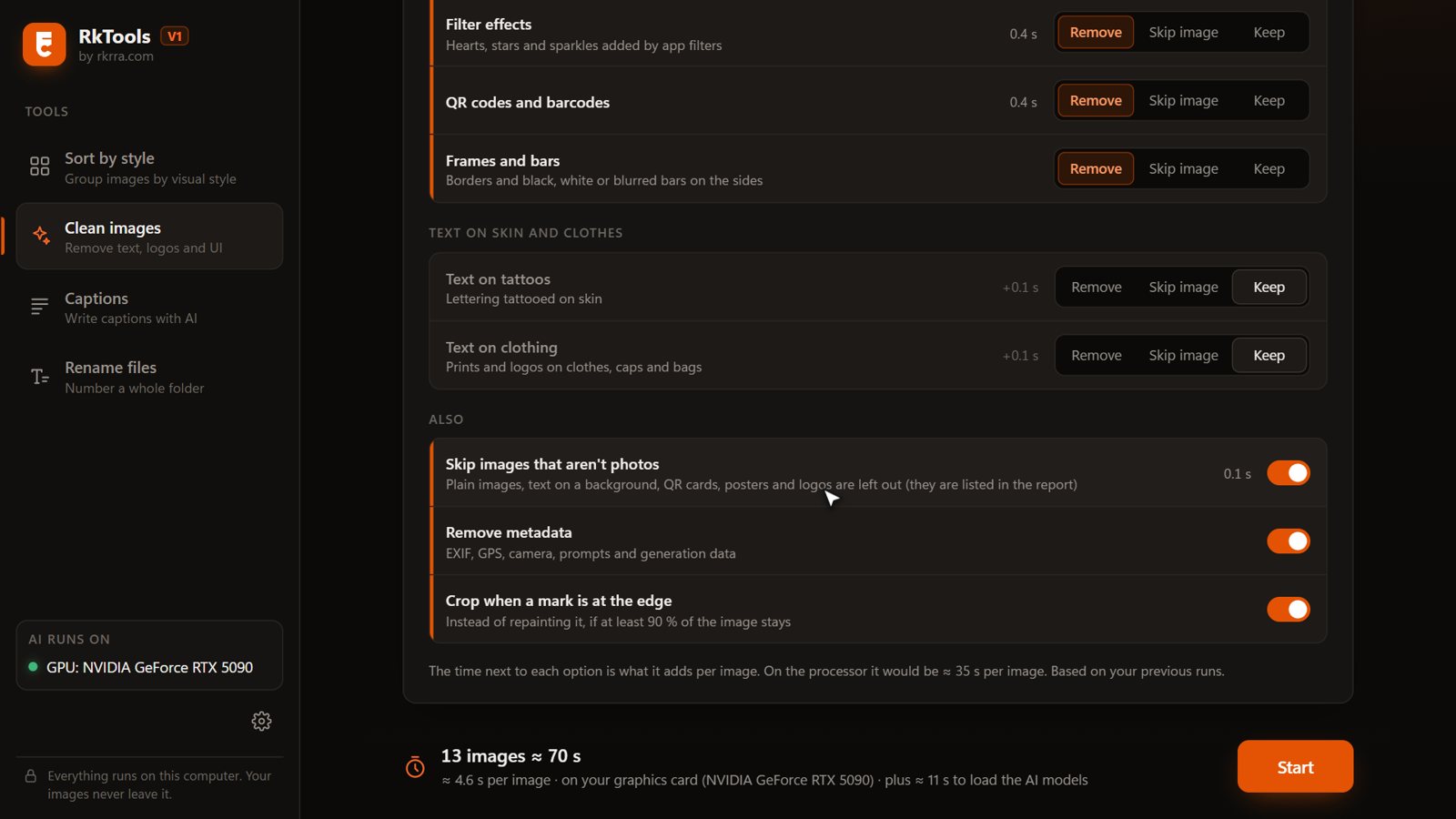
For each kind of mark you choose: remove it, skip the image, or keep it. Text on clothes and tattoos can be left alone. Every run ends with a before/after report.

  • Watermarks, text, logos, UI, emojis, QR codes, bars
  • Skips images that aren't photos or drawings
  • Strips EXIF, GPS and prompt metadata
Clean images options
03

Captions

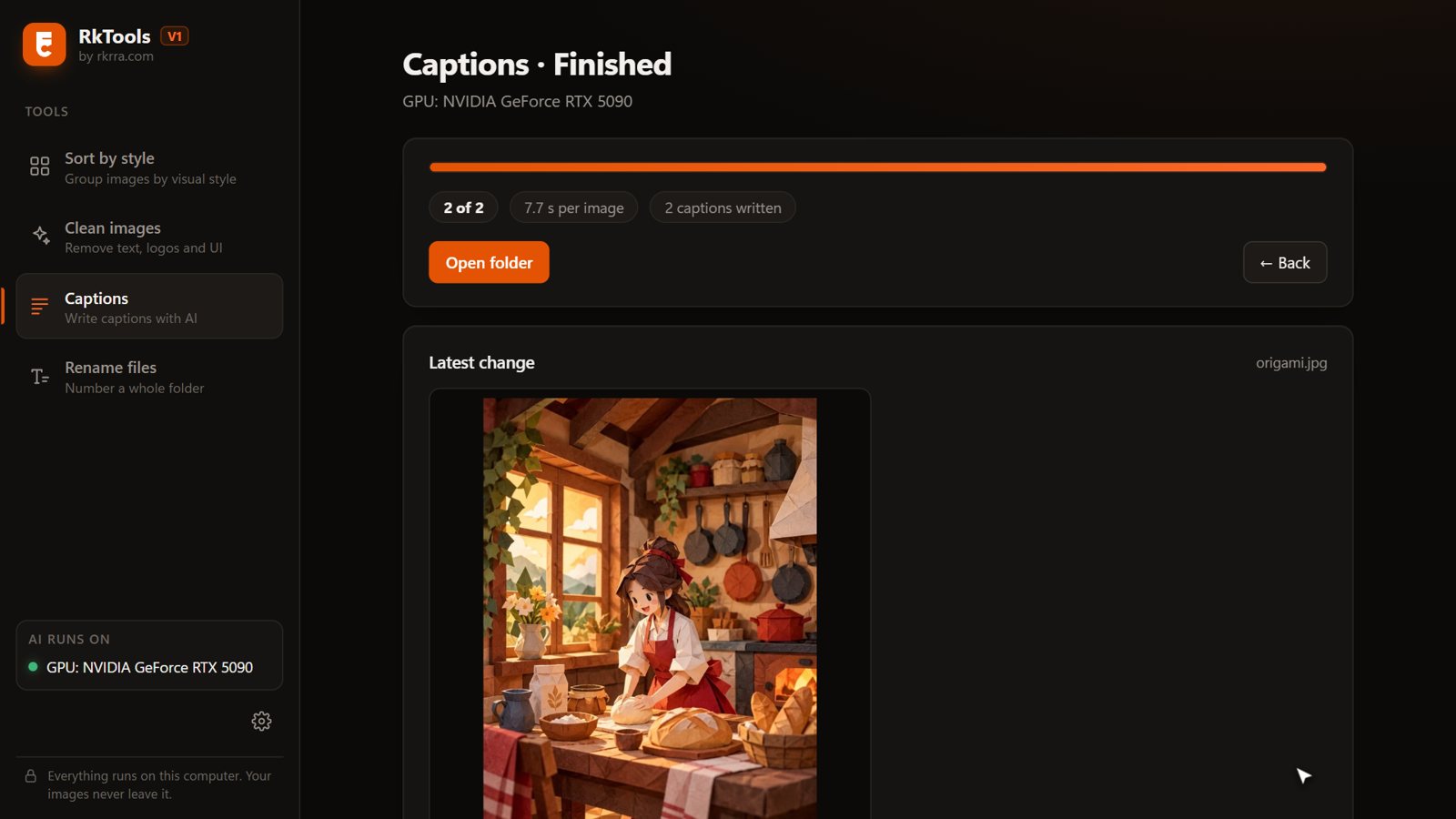
Writes a .txt caption next to every image with JoyCaption, a vision model that runs on your graphics card. Captions never mention the logos or watermarks you are about to remove.

  • Detailed, short, Stable Diffusion prompt or Booru tags
  • Your trigger word at the start of every caption
  • Keeps the captions you already have, unless you ask
Captions
04

Rename files

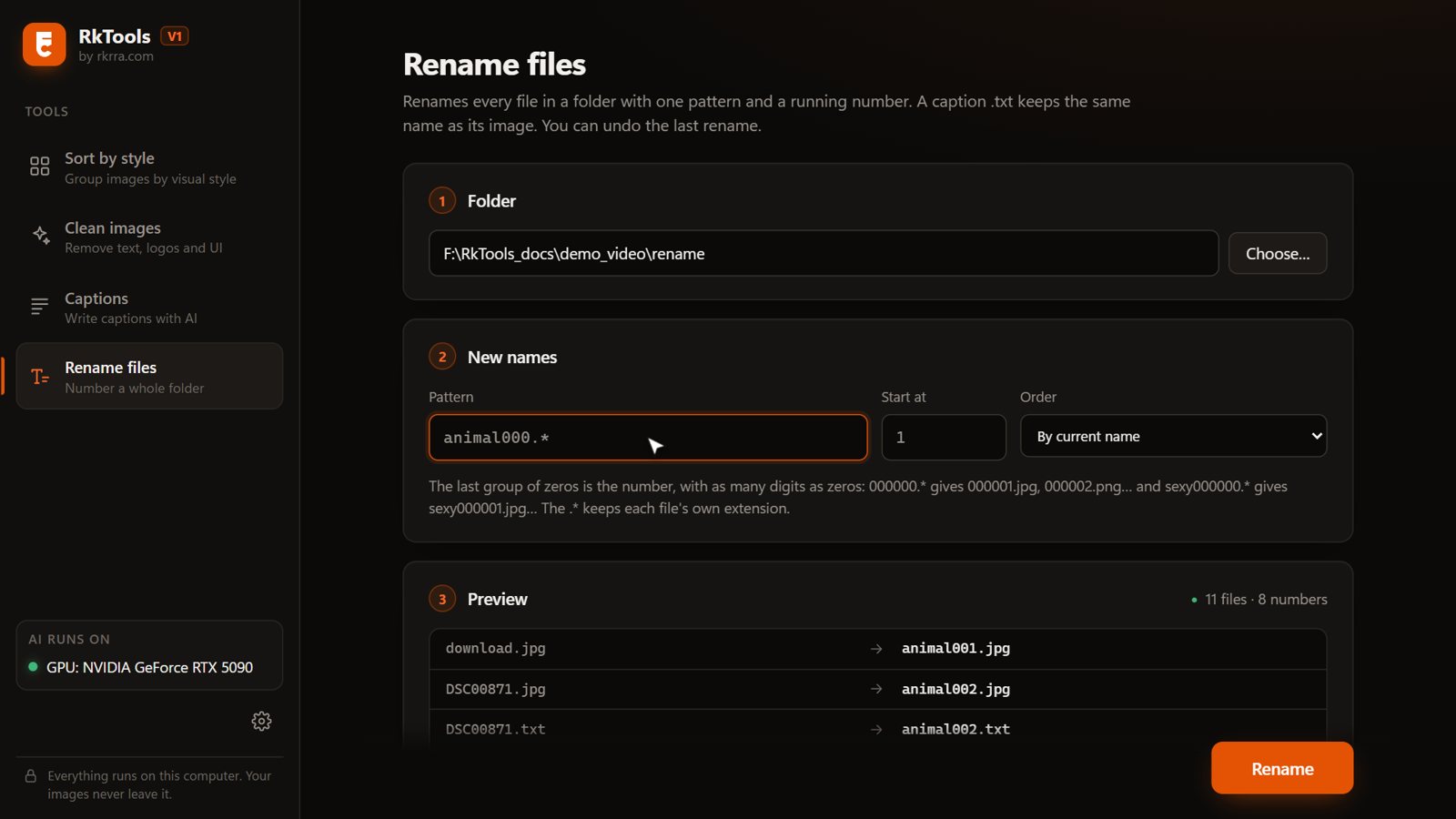
Number a whole folder in one go: 000001.jpg, sexy000001.png… Images and their captions keep the same number. See the result before you apply it, and undo it if you change your mind.

  • Your own pattern and start number
  • Preview first
  • One-click undo
Rename files
Video guide

See it all in 5 minutes.

From the install to every option of the four tools.

Built for your PC

No uploads. No credits. No subscription.

Private

Everything runs locally. Your images never leave your computer.

Fast on NVIDIA

Uses your graphics card when it's free; falls back to the processor when it isn't.

One-click install

Unzip, double-click the installer. No Python, no command line.

Requirements

Windows 10/11 64-bit, 16 GB RAM, 12 GB free (28 GB with Captions).

Constantly evolving

RkTools is in active development.

V1 is the start. New versions with new features will keep arriving over time, built from what people who use it actually need, and free for everyone who already has it. If something would save you time, tell us: the best ideas go straight into the next release.

Suggest a feature
  1. V1 · available nowSort by style, Clean images, Captions, Rename files
  2. Next update · in progressFixes and improvements from your reports
  3. New toolsChosen from your suggestions
Get RkTools

Pay once. Keep it.

V1Version 1.0.0

€29.99 VAT included

One-time payment · instant download

  • All four tools: Sort by style, Clean images, Captions, Rename files
  • Every future version included, V2 and beyond, free
  • Step-by-step PDF guide and video
  • Runs offline on your own PC
Buy RkTools V1 · €29.99

Secure checkout with Stripe. Windows 10/11 64-bit. An NVIDIA card is optional but much faster.

Questions

Before you buy

Do I need an NVIDIA graphics card?

Sort by style, Clean images and Rename files also run on the processor, just slower. Captions really needs an NVIDIA card: without one it takes minutes per image and about 20 GB of RAM.

Do my images get uploaded anywhere?

No. The internet is only used during the install, to download the AI models. After that RkTools works offline.

What do I get after paying?

Right after paying you get an email with a link to your RKRRA account (no password needed). RkTools V1 is in your library with a Download button: a ZIP with the program and the PDF guide inside. Unzip it, run “Install RkTools V1.bat” and you are ready. You can download it again from your account whenever you want, and new V1 versions appear there too.

Will there be new versions?

Yes. RkTools is in active development: fixes and new features arrive over time, many of them from the suggestions sent through the form above. Every new version, V2 and beyond included, is free if you already bought RkTools: it appears in your account, ready to download.

Does it work on Mac or Linux?

Not yet, V1 is Windows only.
RkTools V1
€29.99 · one-time
Buy now